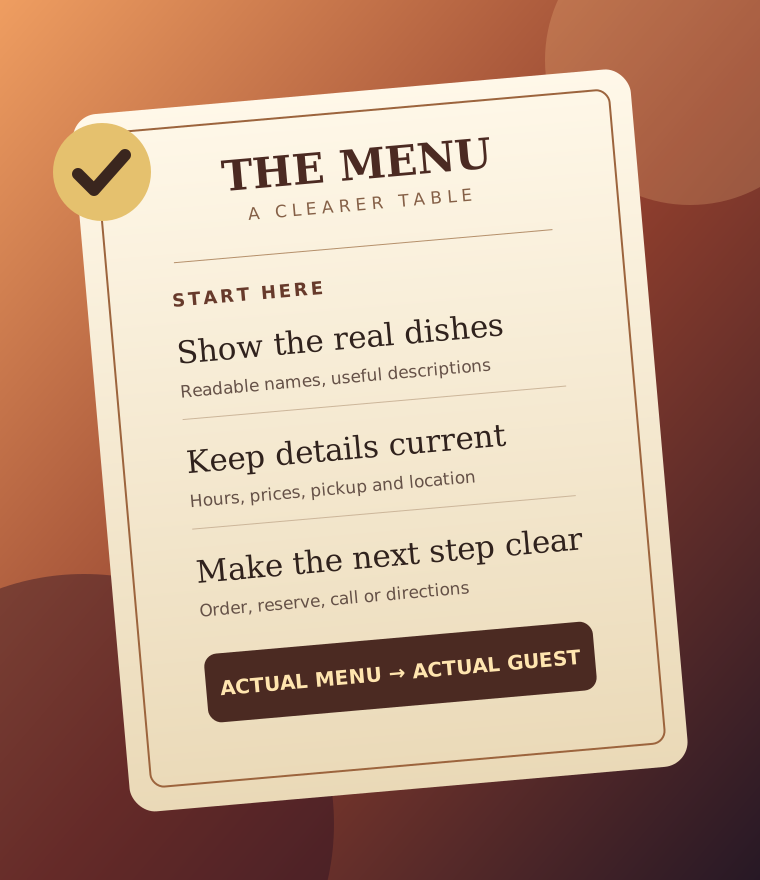
01 / Put your actual menu on the page
A downloadable PDF can still be useful, but also show current categories, dishes, descriptions and prices in accessible HTML. Keep ingredients and allergy statements accurate, and verify them with your kitchen before publishing.
02 / Match the search to the dish
Describe what is genuinely distinctive: “gluten-free pasta” or “family-style brunch” only when those things are really offered. Clear dish names and useful descriptions serve diners better than repeating “best restaurant near me.”
03 / Keep hours and location consistent
Check the hours, address and service area on your site and public listings. If hours change seasonally, update them where you control them. Add a visible call or directions path for people deciding where to eat.
04 / Make ordering unmistakable
Show one obvious path for reservations, pickup or delivery based on what you actually offer. If an outside platform handles orders, make the destination and any applicable fees clear before people leave your site.
05 / Make mobile reading pleasant
Can a guest skim the dishes without pinching and zooming? Use readable type, grouped sections, short descriptions and images of your own food where they help. Avoid placing essential menu text inside a single image.
06 / Review change dates
Menus, prices and availability can change daily. Assign someone to check the page against the current printed or point-of-sale menu. A dated “last reviewed” note is useful only if you truly maintain it.